Is It Safe to Use Public WiFi? What You Should Know
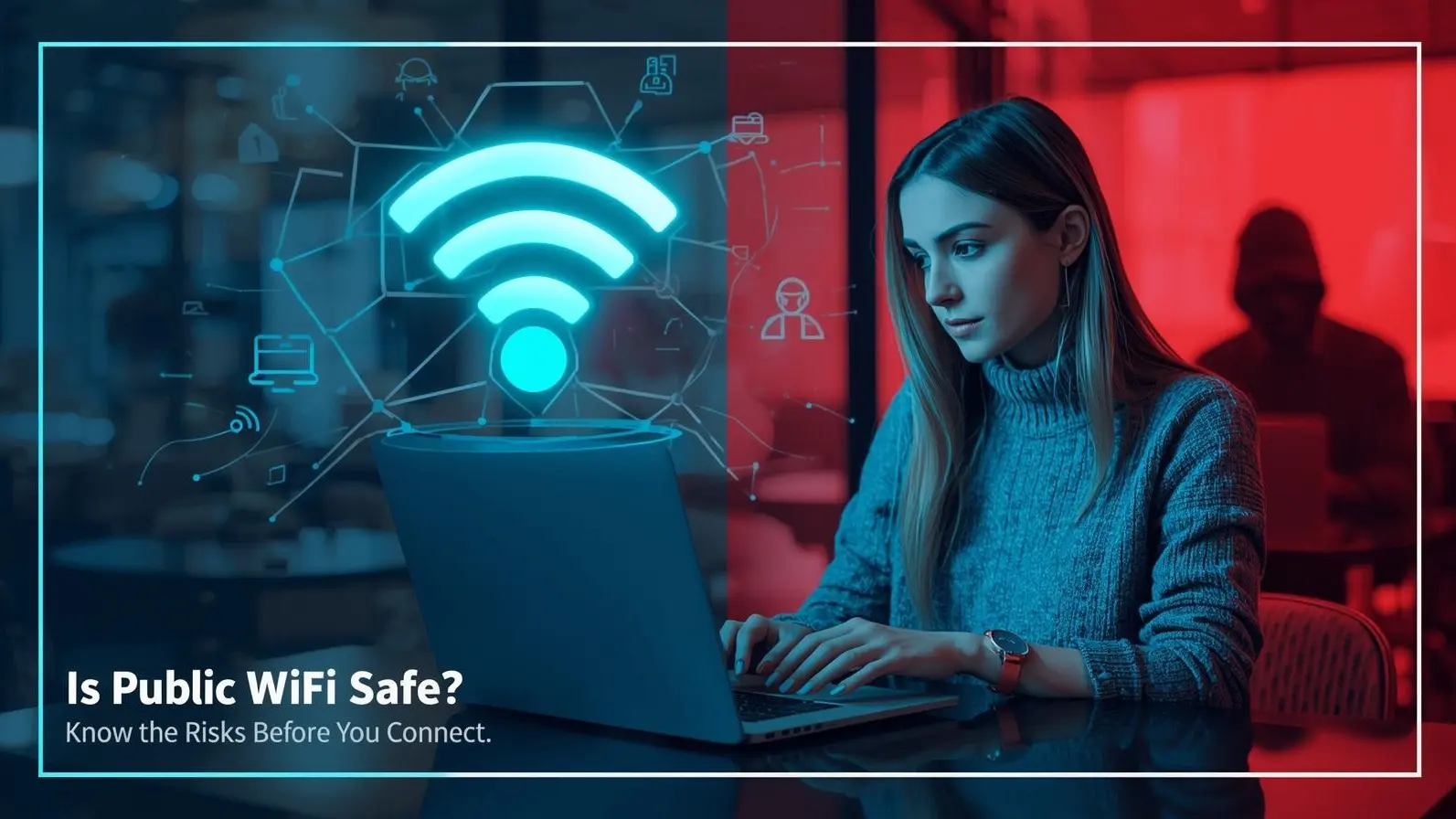
Free public WiFi is everywhere today—from coffee shops and malls to airports and hotels. It’s quick, convenient, and saves mobile data. But behind this convenience lies a serious question: how safe is it to connect to public WiFi networks?
The reality is that public WiFi can expose your personal data if you’re not careful. Many people use it daily without realizing the hidden risks. Understanding these risks—and how to avoid them—can help you stay secure while staying connected.
Why Public WiFi Can Be Dangerous
Public WiFi networks are usually open or weakly protected, which makes them easy for anyone to join. While this is great for accessibility, it also means that cyber attackers can enter the same network without much effort.
Once you’re connected, your data may travel through a network that is not fully secure. This creates opportunities for hackers to intercept or monitor your online activity. Unlike your home WiFi, public networks often lack strong encryption, making your information more vulnerable.
Common Risks You Might Face
One of the biggest threats on public WiFi is data interception. Hackers can use tools to capture information being sent from your device, especially if it’s not encrypted.
Another common danger is fake WiFi hotspots. These are networks set up by attackers with names that look trustworthy, such as “Free Café WiFi” or “Airport Guest Network.” When you connect to them, your data can be directly accessed.
There is also a risk of malware. Some unsecured networks can be used to push harmful software onto your device, which may run silently in the background and collect your data over time.
What Information Is at Risk?
When using public WiFi, you should assume that any data you enter could be exposed if proper precautions are not taken.
This includes your email logins, social media passwords, personal messages, and even financial details. If you access sensitive apps or make online payments, there is a chance that your information could be intercepted.
Even basic browsing can reveal patterns about your behavior, which can be used for targeted scams or phishing attacks.
When Is It Safer to Use Public WiFi?
Public WiFi is relatively safer when used for basic, non-sensitive activities. For example, reading articles, watching videos, or browsing general content carries less risk compared to logging into important accounts.
Websites that use secure connections (HTTPS) offer some level of protection, but they are not foolproof. It’s still important to stay cautious, especially on unfamiliar networks.
Simple Ways to Protect Yourself
You don’t have to completely avoid public WiFi—you just need to use it wisely.
One of the most effective steps is using a VPN (Virtual Private Network). A VPN encrypts your connection, making it much harder for anyone to track or steal your data.
Avoid accessing banking apps, work accounts, or confidential platforms while connected to public networks. If something important needs to be done, switch to your mobile data instead.
Always double-check the network name before connecting. Asking staff for the correct WiFi name can help you avoid fake networks.
Keeping your device updated is also essential. Updates often include security improvements that protect against known threats.
Public WiFi vs Mobile Data
If security is your priority, mobile data is generally the safer option. Cellular networks are more secure and harder for hackers to interfere with compared to public WiFi.
Whenever you need to enter sensitive information or perform important tasks, using mobile data is the better choice.
Warning Signs of Unsafe Networks
There are certain signs that should make you cautious before connecting to a public network.
If the WiFi doesn’t require a password, asks for unusual personal details, or shows multiple similar network names, it could be risky. Sudden pop-ups or unexpected redirects are also warning signals.
Slow or unstable connections may sometimes indicate suspicious activity on the network.
How Public WiFi Is Becoming Safer
Many businesses are now improving their WiFi security by adding login authentication, encrypted access, and limited session times. These steps help reduce risks for users.
However, no system is completely risk-free. Even with these improvements, it’s important for users to stay alert and follow basic safety practices.
Disclaimer
This content is for general awareness and informational purposes only. It does not guarantee complete protection from cyber risks. Always follow proper security practices and use trusted tools to safeguard your data.
FAQs
Can I safely browse social media on public WiFi?
Yes, but avoid logging in on unknown networks or entering sensitive details.
Is using a VPN really necessary?
A VPN is one of the best ways to protect your data on public WiFi and is highly recommended.
Should I shop online using public WiFi?
It’s better to avoid online payments on public networks and use mobile data instead.
Can public WiFi harm my device?
In some cases, yes. Unsecured networks can expose your device to malware or unauthorized access.
Is all public WiFi unsafe?
Not always, but it’s important to treat every public network with caution.