Email Scam Warning: How Hackers Trick Users and How to Stop Them
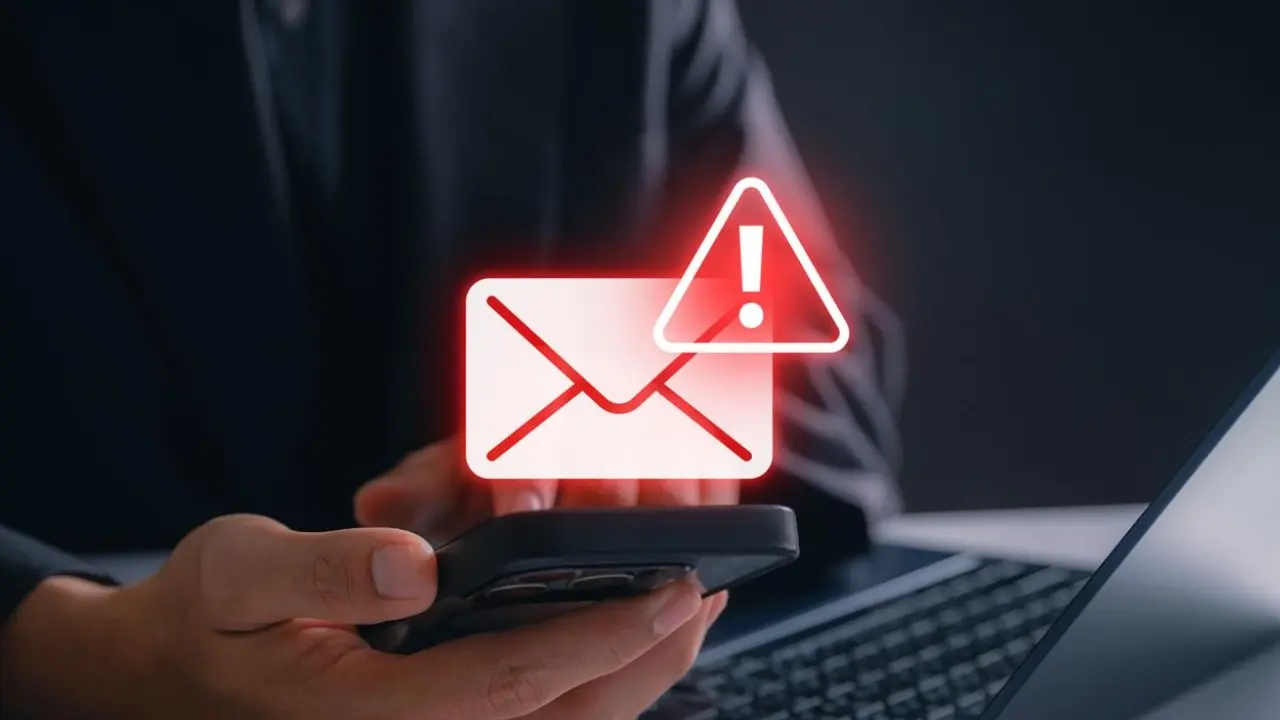
Email scams have become one of the most common and dangerous forms of online fraud in today’s digital world. Almost everyone with an email account has received at least one suspicious message—whether it claims to be from a bank, a delivery service, a government agency, or even a job offer. While some of these emails look harmless at first glance, many are carefully designed traps created by hackers to steal personal data, financial information, or account access.
What makes email scams particularly risky is how realistic they have become. Modern attackers no longer send poorly written messages filled with obvious errors. Instead, they use professional-looking designs, copied logos, fake websites, and psychological tricks to make users believe the message is legitimate.
Understanding how these scams work—and how to protect yourself—is essential in an era where almost every aspect of life is connected to digital communication.
How Email Scams Actually Work Behind the Scenes
At the core of most email scams is a technique called phishing. This is when attackers disguise themselves as trusted organizations or individuals to trick users into revealing sensitive information.
These emails often appear to come from:
- Banks or financial institutions
- Popular online shopping platforms
- Delivery and courier services
- Social media companies
- Government tax or verification departments
The message usually creates a sense of urgency. For example, it may claim that your account has been locked, a payment has failed, or immediate action is required to avoid penalties.
The goal is simple: make you act quickly without thinking carefully.
Once a user clicks on a link or enters personal details on a fake website, the information is sent directly to the attacker. This can include passwords, credit card details, identity information, or even access to entire accounts.
Why Email Scams Look So Real Today
One of the biggest reasons email scams are so effective is their increasing level of sophistication.
Hackers now use:
- Official-looking logos and branding
- Fake but realistic website links
- Spoofed email addresses that look legitimate
- Copy-pasted design from real companies
- AI-generated messages that sound natural
In many cases, even experienced users can struggle to tell the difference between a real email and a fake one.
Attackers also collect public information from social media or data leaks to personalize scams. For example, they might include your name, location, or recent online activity to make the email feel more authentic.
This personalization increases trust and makes people more likely to respond.
Common Types of Email Scams You Should Know
Email scams come in many forms, but some patterns appear more frequently than others.
One common type is the “account verification scam,” where users are told their account will be suspended unless they verify details immediately. These emails often mimic banks or online services.
Another type is the “payment or invoice scam,” where users receive fake bills or transaction alerts asking them to click a link or download a file.
There are also “prize or lottery scams” that claim you have won money, gifts, or rewards but require personal information or small payments to claim them.
Business email compromise scams target companies by impersonating executives or managers and requesting urgent fund transfers.
Each of these scams relies on urgency, fear, or excitement to manipulate user behavior.
Warning Signs That an Email Might Be a Scam
While scams are becoming more advanced, there are still warning signs that can help identify them.
Many scam emails try to create pressure by using urgent language like “act immediately” or “your account will be closed.” This is a psychological tactic designed to stop you from thinking critically.
Another common sign is unusual sender addresses. Even if the display name looks familiar, the actual email address may contain strange characters, extra words, or misspellings.
Poor grammar or awkward phrasing can also be a red flag, although modern scams are increasingly free of these mistakes.
Suspicious links are another major warning sign. Often, the visible text of a link looks legitimate, but the actual destination leads to a completely different website.
Attachments from unknown sources should also be treated carefully, especially if they request downloads of files like PDFs or executable programs.
How Hackers Trick Users Into Clicking Without Thinking
Hackers don’t rely only on technical tricks—they also use human psychology.
One of the most powerful tools they use is fear. Emails that claim “your account has been hacked” or “suspicious activity detected” can trigger panic, causing users to react quickly without verification.
Another tactic is urgency. Messages that say “respond within 24 hours” or “immediate action required” are designed to reduce careful decision-making time.
Some scams use curiosity or excitement, such as fake job offers or investment opportunities that promise high returns. Others rely on authority, pretending to be from trusted institutions.
In all cases, the goal is to bypass rational thinking and push users into fast action.
What Happens If You Fall for an Email Scam
Clicking a malicious link or sharing sensitive information can have serious consequences.
Hackers may gain access to:
- Email accounts
- Bank accounts
- Social media profiles
- Personal identity details
This can lead to financial loss, identity theft, or further scams targeting your contacts.
In some cases, compromised accounts are used to send scam emails to other people, spreading the attack further.
That is why even a single mistake can have wider consequences beyond just one user.
How to Protect Yourself From Email Scams
Protecting yourself starts with awareness and cautious behavior.
One of the most important habits is to verify emails before taking any action. Instead of clicking links directly, it is safer to manually visit the official website of the organization.
You should also avoid downloading unexpected attachments, especially from unknown senders.
Using strong and unique passwords for different accounts can reduce damage if one account is compromised.
Enabling two-factor authentication adds an extra layer of protection by requiring a second verification step when logging in.
Keeping software and email services updated also helps because security updates often fix known vulnerabilities.
Most importantly, developing a habit of slowing down before reacting to urgent messages can significantly reduce risk.
Why Awareness Is the Strongest Defense
Technology can block many threats, but human awareness is still the strongest defense against email scams.
Hackers continuously evolve their methods, but their success still depends on user mistakes. A cautious and informed user is much harder to trick than someone who reacts impulsively.
Understanding how scams work helps you recognize patterns quickly and avoid falling into common traps.
In the digital world, awareness is not just helpful—it is essential.
Final Thoughts
Email scams are becoming more sophisticated, but the core strategy behind them remains the same: manipulation through urgency, fear, and trust.
By learning how these scams operate and recognizing their warning signs, users can protect themselves more effectively.
The key is not to fear every email, but to approach unexpected messages with caution, verify information independently, and avoid quick reactions.
In an era where digital communication is central to daily life, staying informed is one of the most powerful forms of protection.
Disclaimer
This article is for informational and educational purposes only. It does not provide cybersecurity guarantees or professional security advice. Users should follow official cybersecurity guidelines and consult experts for serious security concerns.